
MOOD 10 Lightroom Presets
Premium Luts50% OFFNEW

MOOD 10 Lightroom Presets

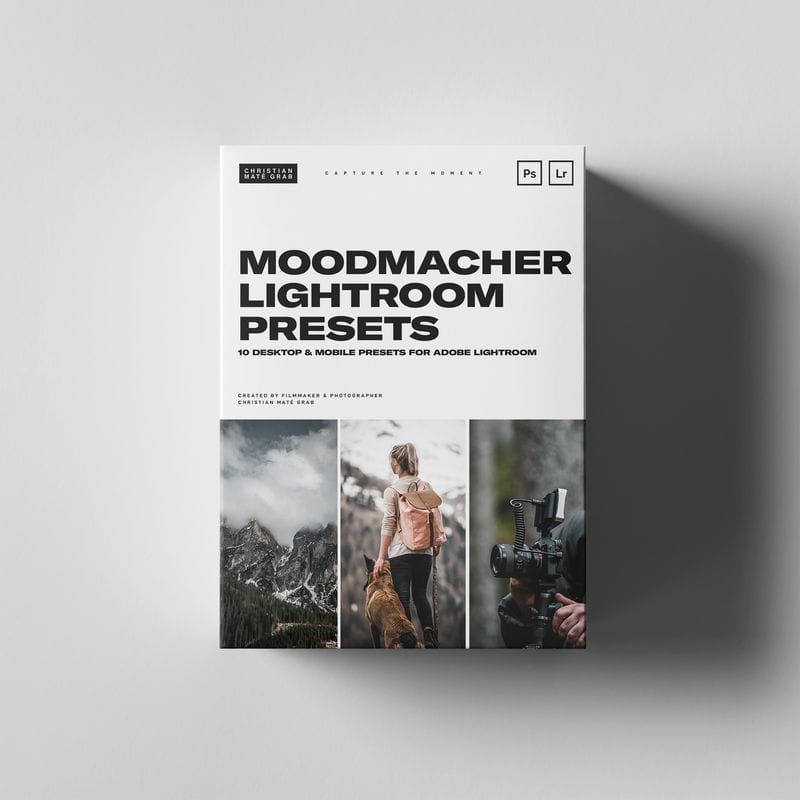
MOOD 10 Lightroom Presets - The MOOD Lightroom Presets: 10 of my latest Lightroom Presets for the Moody Bangers you always wanted to post on your Gram!What's inside?10 Presets for Adobe Lightroom Classic (.xmp files)Whether you use them as a starting point for your edits or to bulk-edit your photos with ease. These Lightroom Presets work great with a variety of photos like Landscape, Outdoor & Portrait Photography.
$5.00$10.00
Instant Download
LIFETIME ACCESS
Secure Payment
Guaranteed Safe & Secure Checkout We accept PayPal, Apple Pay, Google Pay, Visa, Mastercard, Maestro and Amex
Share

MOOD 10 Lightroom Presets 

MOOD | 10 Lightroom Presets

Transform Your Photos with MOOD Presets!

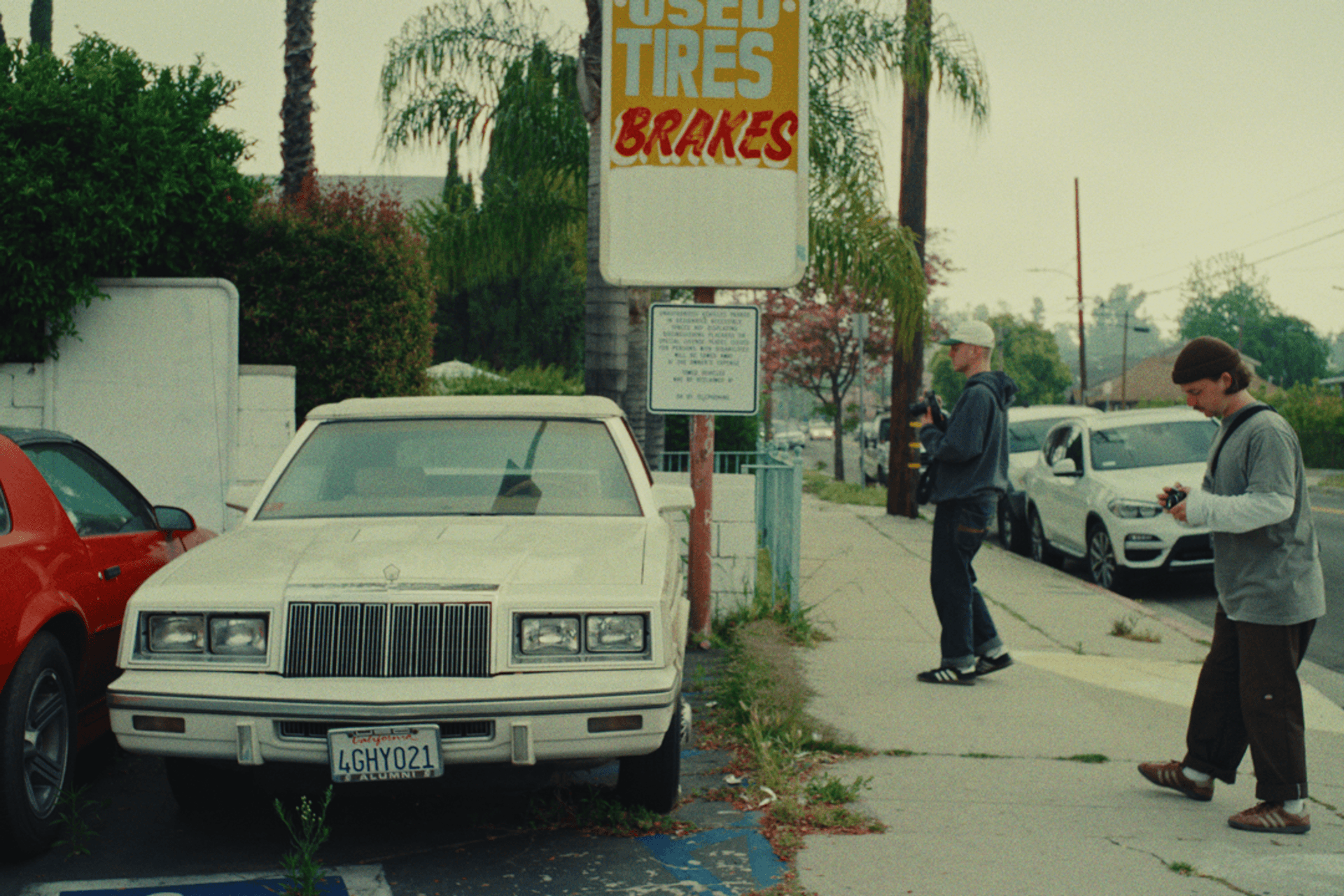
Elevate your Instagram feed with the MOOD Lightroom Presets—a collection of 10 expertly crafted presets designed for those moody, atmospheric looks you crave. Perfect for any photographer looking to add a touch of drama and depth to their images!

What’s Inside?

  • 10 Unique Presets for Adobe Lightroom Classic (.xmp files)
  • Designed for various photography styles including LandscapeOutdoor, and Portrait Photography.
  • Versatile Use: These presets serve as a fantastic starting point for your edits or allow for seamless bulk-editing to save you time.

Tips for Optimal Results:

  • Customization Is Key: Each preset is designed without presetting EXPOSURE, WHITE BALANCE, TINT, or excessive GRAIN. Adjust these settings manually to achieve the best results tailored to your specific images.

  • Recommended Adjustments:

    • Temperature: Fine-tune to get the desired tone.
    • Contrast: Adding contrast can significantly enhance mood and depth.

Using MOOD Presets on Lightroom Mobile

  • For optimal results, always shoot in RAW. This format retains more details and allows for greater flexibility during editing.
  • After applying the preset, take some time to adjust the TemperatureWhite Balance, and Exposure sliders. Small tweaks can lead to stunning final images!

Ready to transform your photos? Download the MOOD Lightroom Presets now and create the moody masterpieces your audience will love!

Installation Instructions:

For Lightroom Desktop:

  1. Open Lightroom and go to Lightroom Preferences (ensure it is NOT Catalog Preferences).
  2. Uncheck the option: Store preset with this catalog.
  3. Locate the Camera Raw Settings folder:
    • Mac~/Library/Application Support/Adobe/CameraRaw/Settings
    • WindowsC:ProgramDataAdobeCameraRawSettings
  4. Alternatively, open Lightroom CC (make sure it's updated):
    • Go to Lightroom Preferences.
    • Click on the Preset section and then Show Lightroom Presets Folder.
    • Navigate to the Camera Raw folder, then open Settings.
  5. Copy your .xmp preset files into the Settings folder.
  6. Restart Lightroom or Photoshop and the presets will be available for use.

For Lightroom Mobile:

  1. Download the presets and ensure they are saved on your mobile device.
  2. Follow the instructions in your tutorial to install the presets using the Lightroom mobile app.

Important Note:

Due to the digital nature of this product, there are no refunds or exchanges once purchased. Please ensure you're satisfied with your choice before completing your order.

Dive into the world of vibrant photography with CALI 2.0 presets and give your images that stunning, cinematic quality they deserve!
Hottest Deal

Membership Packages

Fixed-term passes with unlimited downloads — Brozen, VIP Gold & Diamond.

Starting at $229.00

View All Plans

Original Product

100% Original products recommended by Filmmakers.

Fast Download

Get fast direct download link automatically after payment received

Affordable! Bargain!

Discount up to 90% off for most products purchase!

100% Secure

Your payments are secure with our private security network.

© 2019–2026 LUTsPresets. All rights reserved.

100% Secure
Accepted payment methods: PayPal, Apple Pay, Google Pay, Visa, Mastercard, Maestro and Amex